5 Review Response Templates You Can Use Today
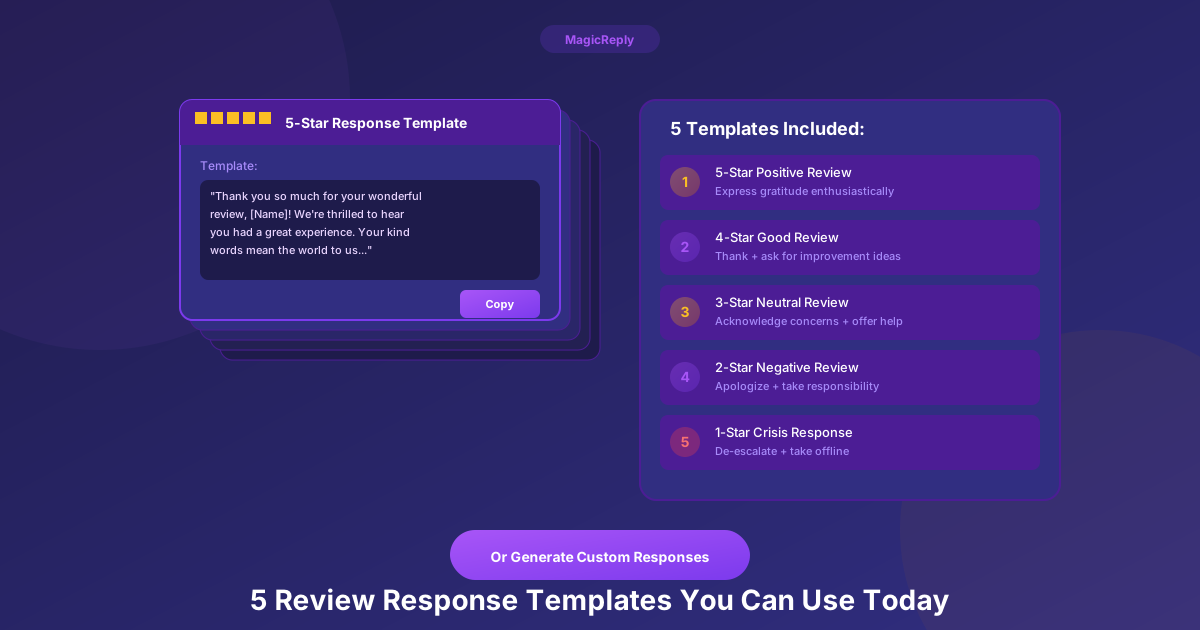
Not sure how to respond to that glowing 5-star review? Struggling with a scathing 1-star complaint? Got a rating-only review with no text?
These five templates cover the most common review scenarios you'll face. Each one is drawn from patterns we've observed across thousands of real business responses — not theoretical copywriting exercises.
Copy them, customize them, or use them as inspiration. Just don't post the same one to every review.
Template 1: The Warm 5-Star Response
Use when: A customer leaves a positive review praising your business.
""Thank you so much for the kind words, [Customer Name]! We're thrilled you enjoyed [specific detail they mentioned]. We put a lot of care into what we do, and it's wonderful to know it shows. We hope to see you again soon!"
"— [Your First Name], [Business Name]""
Why it works: It uses their name, references their specific experience, and signs off with a real person's name. The best 5-star responses we've seen from real businesses are warm, brief, and personal — not corporate.
Real-world insight: Across thousands of review responses, the ones that feel most authentic are 2–4 sentences with a first-name sign-off. "Thanks so much for coming in! We appreciate the review. — Collin" outperforms a three-paragraph corporate thank-you every time.
Template 2: The Empathetic Recovery
Use when: A customer had a genuinely bad experience and you need to make it right.
""[Customer Name], we're sorry to hear about this. What you described is not the experience we want anyone to have, and we've shared your feedback with our team. We'd like the chance to make this right — please reach out to us at [email/phone] so we can address this directly."
"— [Your First Name], [Business Name]""
Why it works: It leads with empathy, not defensiveness. It mentions the team has already been notified (shows action, not just words). And it moves the conversation offline — which is where resolution actually happens.
What NOT to do: Never explain, justify, or argue in a negative review response. "That's unusual, our food is normally excellent" sounds defensive. "We're sorry — let us make this right" sounds human.
Template 3: The Balanced Mixed Review
Use when: A 3-star review with both positive and negative feedback.
""Thank you for taking the time to share your feedback, [Customer Name]. We're glad you enjoyed [positive aspect], and we appreciate your honesty about [area for improvement]. We're always looking to get better, and your insights help. We hope you'll give us another chance!"
""[Customer Name], thank you for sharing your experience, and we sincerely apologize for [specific issue]. This doesn't reflect the standard we hold ourselves to. We've [specific action taken — e.g., spoken with our team, reviewed our process] to make sure this doesn't happen again. We'd love the chance to make this right — please reach out to us at [email/phone] so we can personally address this.""
"— [Your First Name], [Business Name]""
Why it works: It acknowledges both sides. Ignoring the positive makes you sound like you're only focused on damage control. Ignoring the negative makes you sound like you didn't read it. Balance shows genuine engagement.
Template 4: The Rating-Only Response
Use when: A review with just a star rating and no text — which happens more often than you'd think.
""Thank you for the [X]-star rating, [Customer Name]! We appreciate you taking the time. Hope to see you again soon."
"Pro tip: Mixed reviews are often the most valuable feedback you'll receive. They tell you exactly what's working and what isn't."
"— [Your First Name], [Business Name]""
Why it works: It's proportional. A rating-only review doesn't need a paragraph — just a brief, warm acknowledgment. Many businesses skip these entirely, which means responding to them alone puts you ahead.
Some 5-star reviews have no text at all. Responding to each one still shows potential customers you're engaged.
Template 5: The Factual Clarification
Use when: A review contains inaccurate information that could mislead other customers.
""Thank you for your review, [Customer Name]. We'd like to clarify that [factual correction — e.g., our hours are X, we do offer Y]. We want to make sure future visitors have accurate information. If there was a miscommunication during your visit, we apologize and would be happy to help — please reach out at [email/phone]."
""Thank you for your review, [Customer Name]. We'd like to clarify that [factual correction — e.g., our hours are actually X, we do offer Y service]. We want to make sure future visitors have accurate information. If there was a miscommunication during your visit, we apologize and would love to make it right. Please feel free to contact us at [email/phone].""
"— [Your First Name], [Business Name]""
Why it works: It corrects the record calmly without being combative. Future customers reading the review will see the accurate information in your response. The goal is to inform the audience, not to win an argument with the reviewer.
Beyond Templates: Why Personalization Matters
Templates are a starting point — not a destination. Customers can spot a copy-paste reply from a mile away, and identical responses to different reviews can actually hurt your reputation.
Here's what separates a good response from a great one:
The difference is small in effort but massive in impact. Each personalized detail tells the reviewer — and everyone else reading — that a real human cared enough to write a real response.
Save Hours with AI-Generated Responses
Writing personalized responses for every review is ideal — but doing it manually for 10, 20, 50 reviews per week adds up fast.
MagicReply reads each review's content, sentiment, and context, then generates a unique response that matches your brand voice. Not a template — a personalized reply that references the specific details in each review. Edit it, approve it, post it — all in under 60 seconds.
Try a reply before you sign up
Paste a Google review and get a free AI draft. No account needed.